
The fastest way to get a load booked is to visit our Metroloads.com load board. Here you can view, request, and even get loads auto assigned within minutes of request.. day or night.
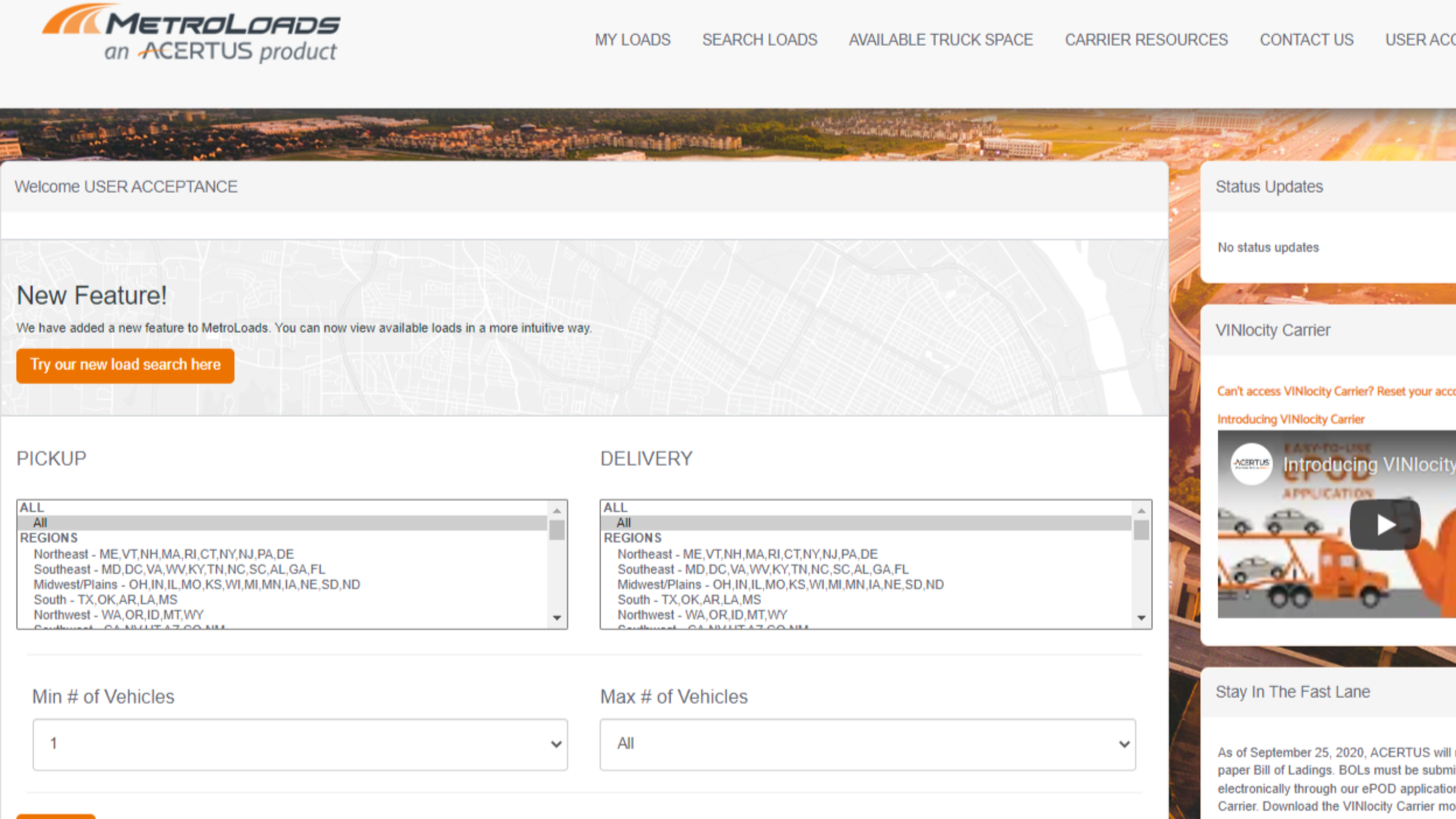
1. Once you log in, you can search for loads by pickup and delivery regions, as well as by the minimum and maximum number of vehicles you're able to move. You can also click "Try our new load search here" at the top of the page to see available loads.
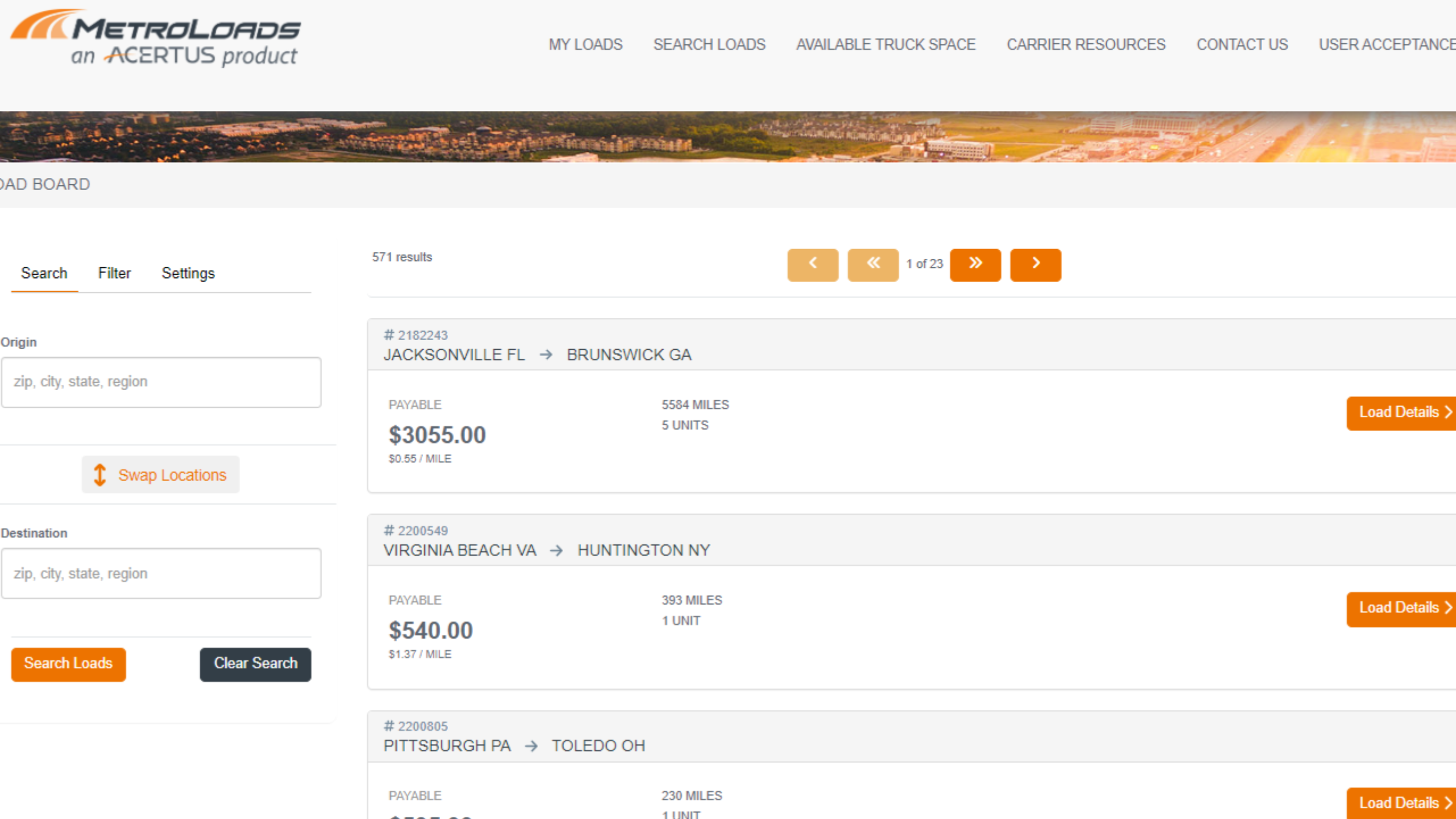
2. Review available loads, and then select "Load Details" for more information.
3. Complete the Request Load section with your correct information, and then click "Send Load Request."
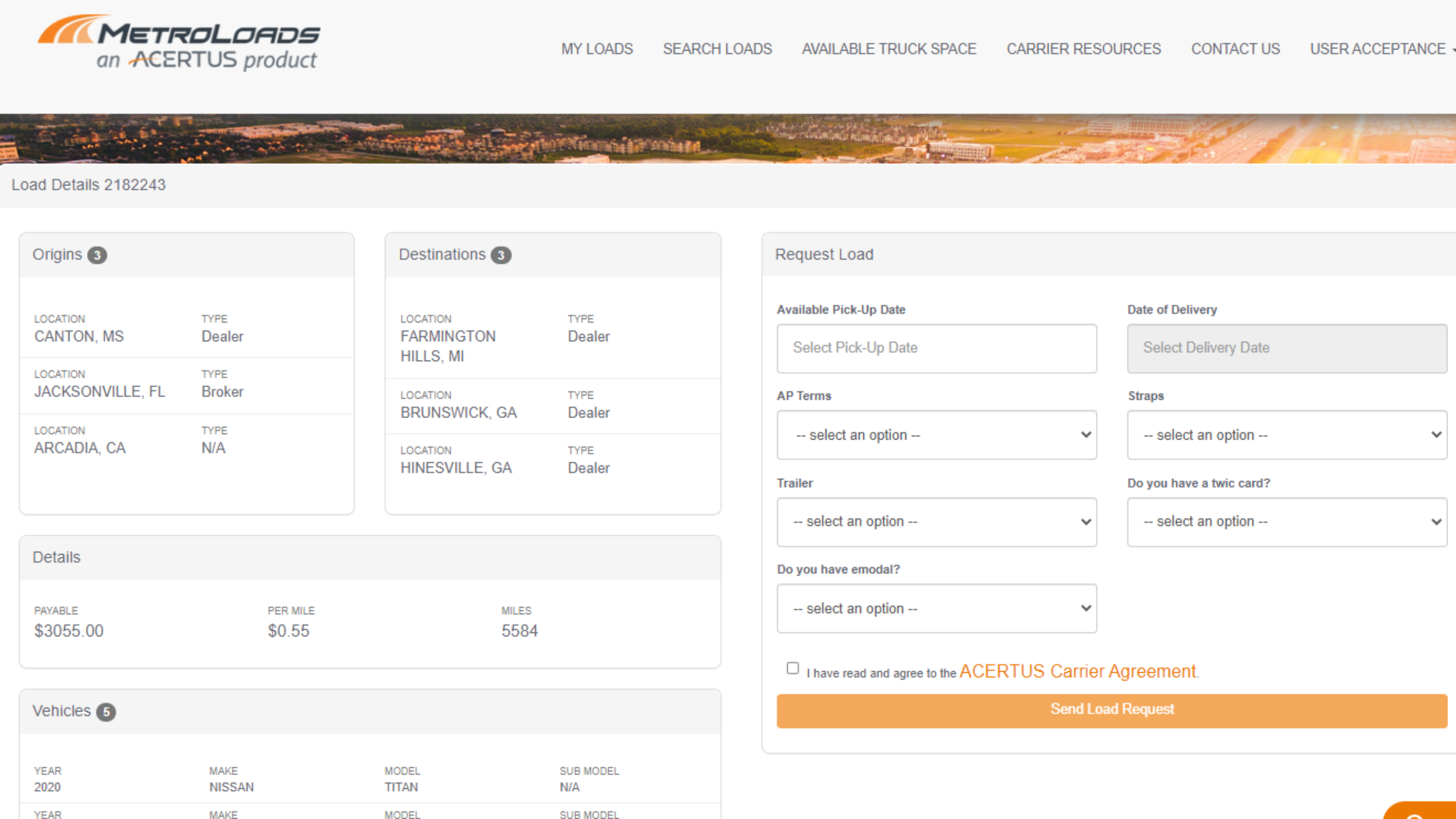
4. Once you have sent the request, you will hear back shortly (via email) on whether the load has been assigned to you, as well as whether we need additional information.
Comments
0 comments
Please sign in to leave a comment.