
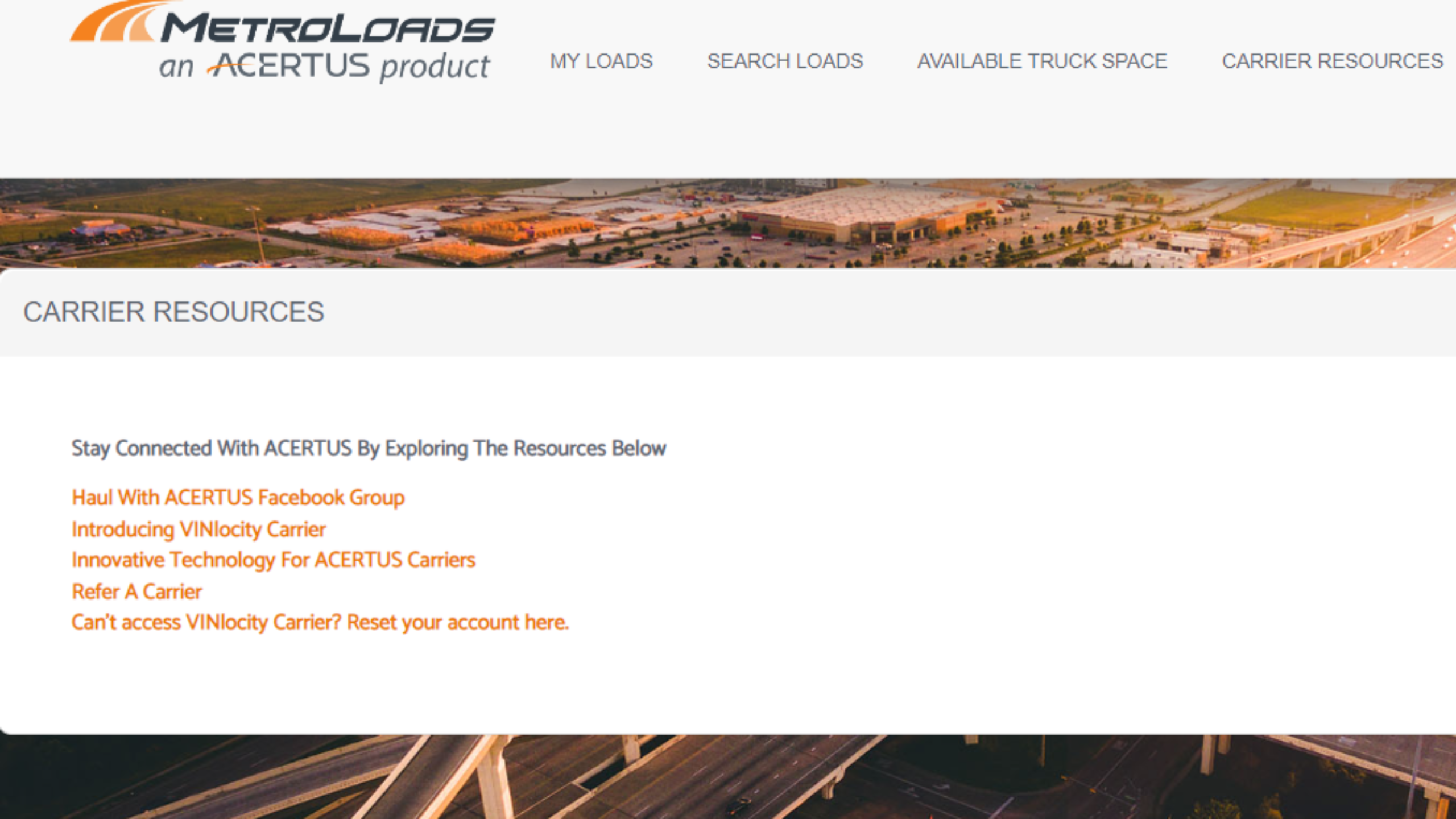
1. Please visit the Metroloads.com site, and log into your account.
2. Once you're logged in, click on "Carrier Resources" and then select "Can't access VINlocity Carrier? Reset your account here" (last option on the list).
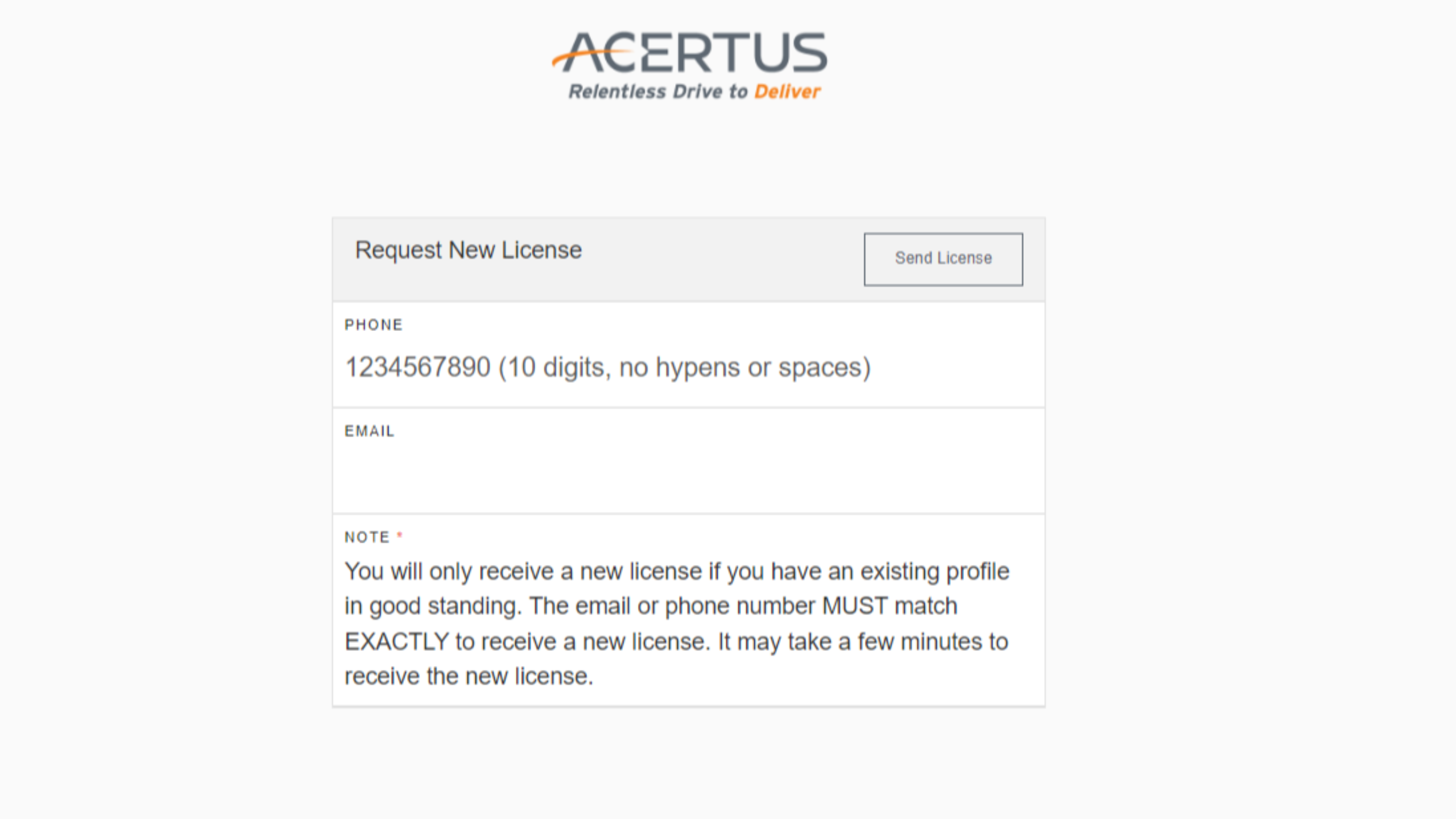
3. Under the "Request New License" box, enter your phone number and email address. Then, click "Send License."
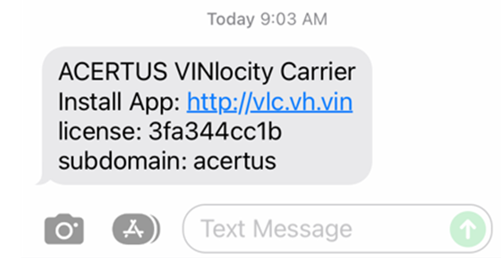
4. The new license and subdomain information (login credentials) will be sent to the phone number you listed via text message. It should look like this:
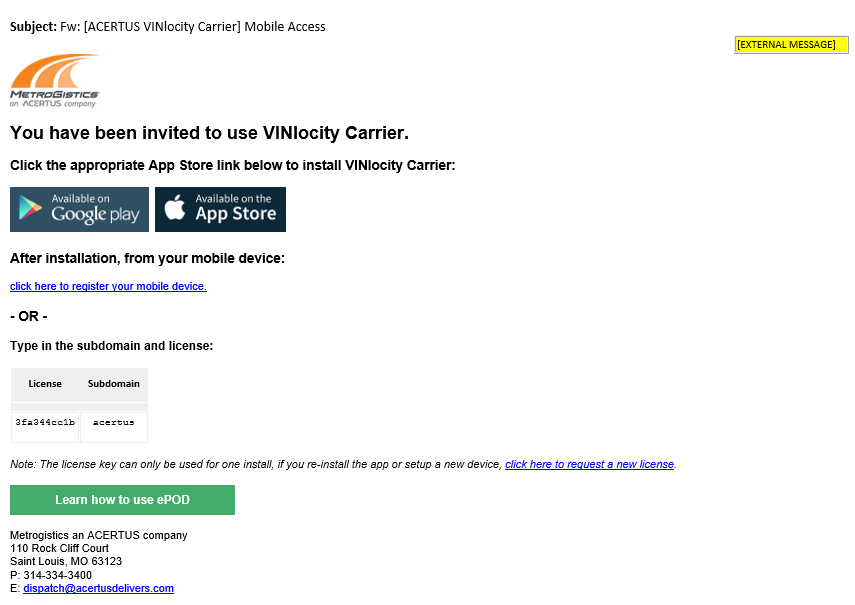
5. If following the steps above, you should also receive an email that looks like this:
6. If you have further questions on this, please call our compliance department at this phone number: 314-334-3400.
Comments
0 comments
Please sign in to leave a comment.